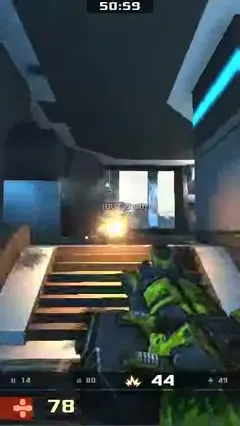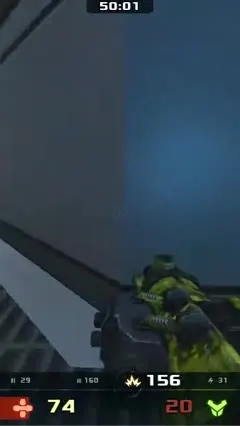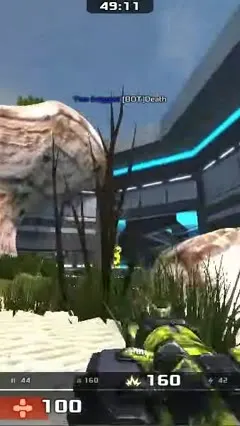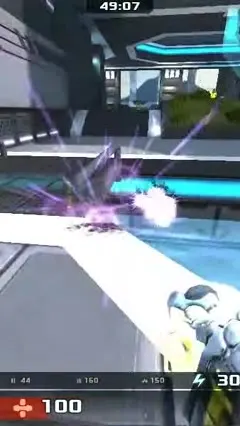











 GAME
Hands too fast to see,
the last 10 seconds
One link is all it takes. ShortUs finds the highlights
and turns them into Shorts with captions and a voice.
GAMEHands too fast to see,
the last 10 seconds
 TRAVEL
Why we got here
at 5 a.m.
 FOOD
Just the heat control,
restaurant flavor
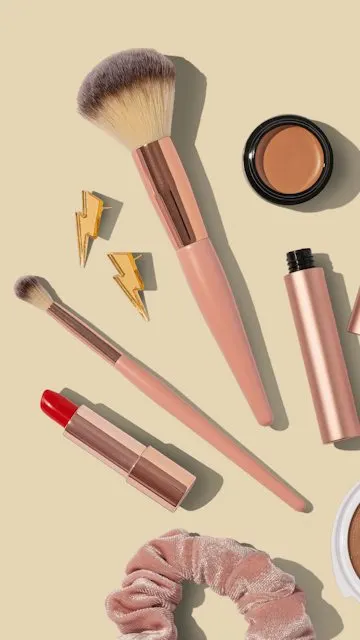 BEAUTY
Just switch
your brush order
 NEWS
This morning:
3 things to know
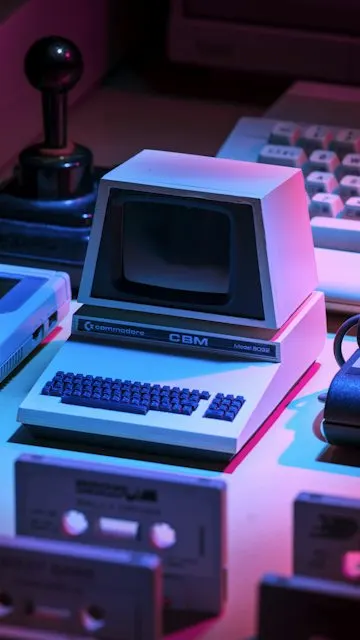 GAME
The moment
chat froze
 MUSIC
The line where
the crowd joined in
 FOOD
The cheese
just keeps stretching
 TRAVEL
One shot
above the clouds
 TECH
No coding needed,
done in 3 minutes
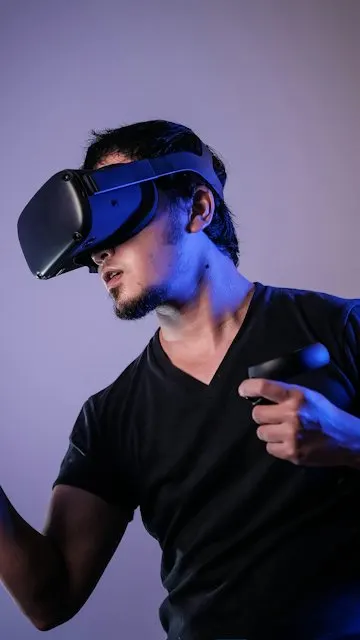 GAME
A real scare
in VR
 FOOD
Camping BBQ,
in the right order
 PODCAST
One line that
set the comments off
Channel names and view counts shown are illustrative examples.
ShortUsfinds them for you
ShortUsAll done automatically
ShortUsOne video in, many scheduled
You only do two things: drop it in, and pick.
 16:9 original16:9 original
All night at the arcade,
a last-round comeback
Watch to the end for the twist
@arcade.night · exampleTwo ways to do it. Pick one.
Fix a caption in the editor
and the finished video matches exactly.
Captions and voice in Korean · English · Japanese.
Yes. Start on the Free plan in Studio and you get credits every month to make Shorts right away. Videos on the Free plan carry a watermark; removing it and using your own voice come with paid plans.
Upload a video file or paste a YouTube link. Blog and article links can become Shorts too, and you don't need a script or caption file.
Captions and AI voices both support Korean, English, and Japanese.
Connect your channel and you can publish or schedule the Shorts you approve, then see views and reactions inside ShortUs. You can disconnect at any time.
The rights to your original videos stay with you, the creator. Please only upload videos you have the rights to.
Yes. In Studio you pick the Shorts that were made, adjust titles and captions, then publish. What you see in the editor is exactly what the finished video shows.
Originals live in access-restricted storage, and every access goes through time-limited links. There is no use beyond the agreed purpose and no third-party sharing. Finished videos are kept for 30 days on the Free plan and 1 year on Creator and then deleted (no time limit on Pro and Studio while subscribed); originals uploaded on the Free plan are deleted after 30 days.
Make your first Short from a single link.
With your permission, ShortUs can publish finished shorts straight to your own YouTube channel through the YouTube API. You connect the channel, approve each short yourself — or opt in to automatic publishing under rules you set — and can take any of them down at any time.
We access this data only to run the features above, and only for the channel you connect. Access tokens are stored encrypted, you can disconnect at any time, and our use of information received from Google APIs follows the Google API Services User Data Policy, including its Limited Use requirements. Full details are in our Privacy Policy.